Flexible staffing platform
One platform for flexible staffing
Staffer connects businesses that need flexible staff with verified workers, supplied and managed by approved supplier organizations.
Staffer is in development and is not open to the public yet.
Three roles, one platform
Who Staffer is for
How it will work
From request to shift
Clients publish shifts
A client organization describes the work, the workplace and the time it needs staff.
Workers apply
Workers see shifts near them in the mobile app and apply with one tap.
Suppliers provide and manage
Approved supplier organizations bring their workers onto the platform and keep their teams organized.
For workers
Find shifts near you
The Staffer mobile app is built for people who want flexible shift work close to home.
Who will work with Staffer
People looking for flexible shift work in hospitality, warehouses and logistics, events, retail and cleaning.
Mobile app
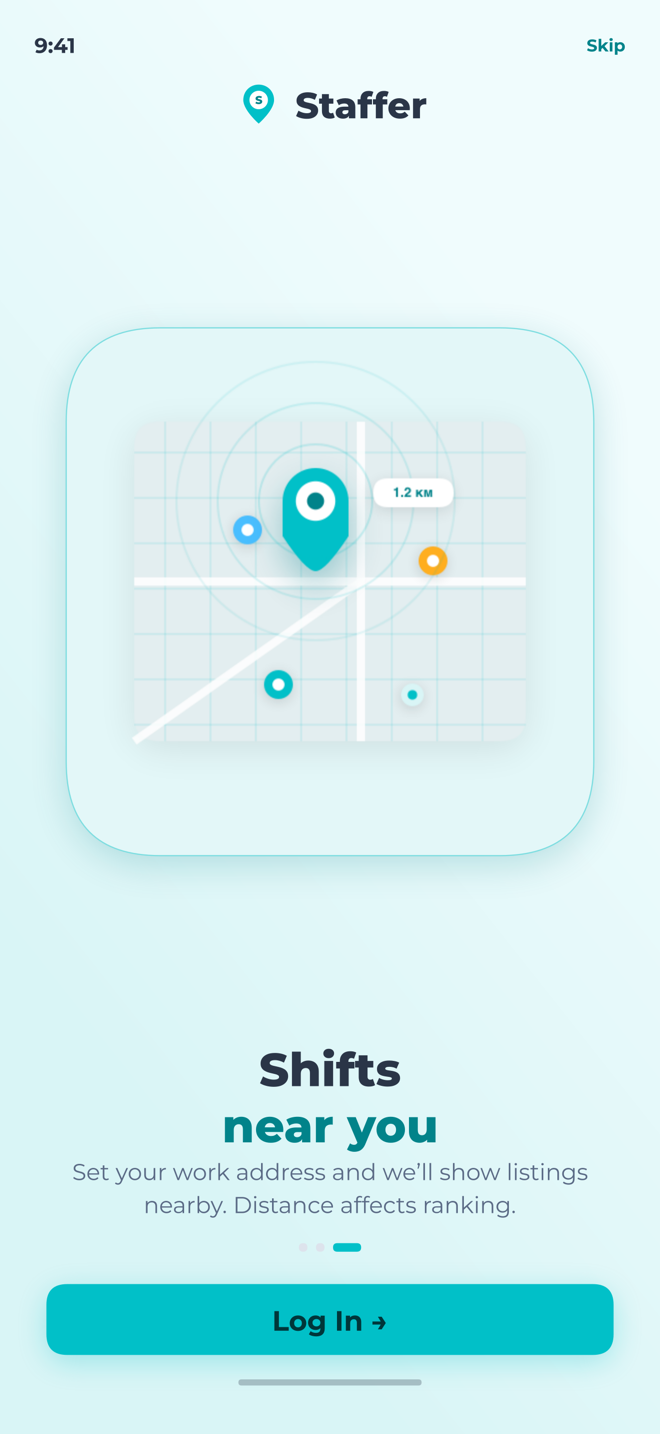
Shifts near your home
Set your work address and see nearby listings, closest first.
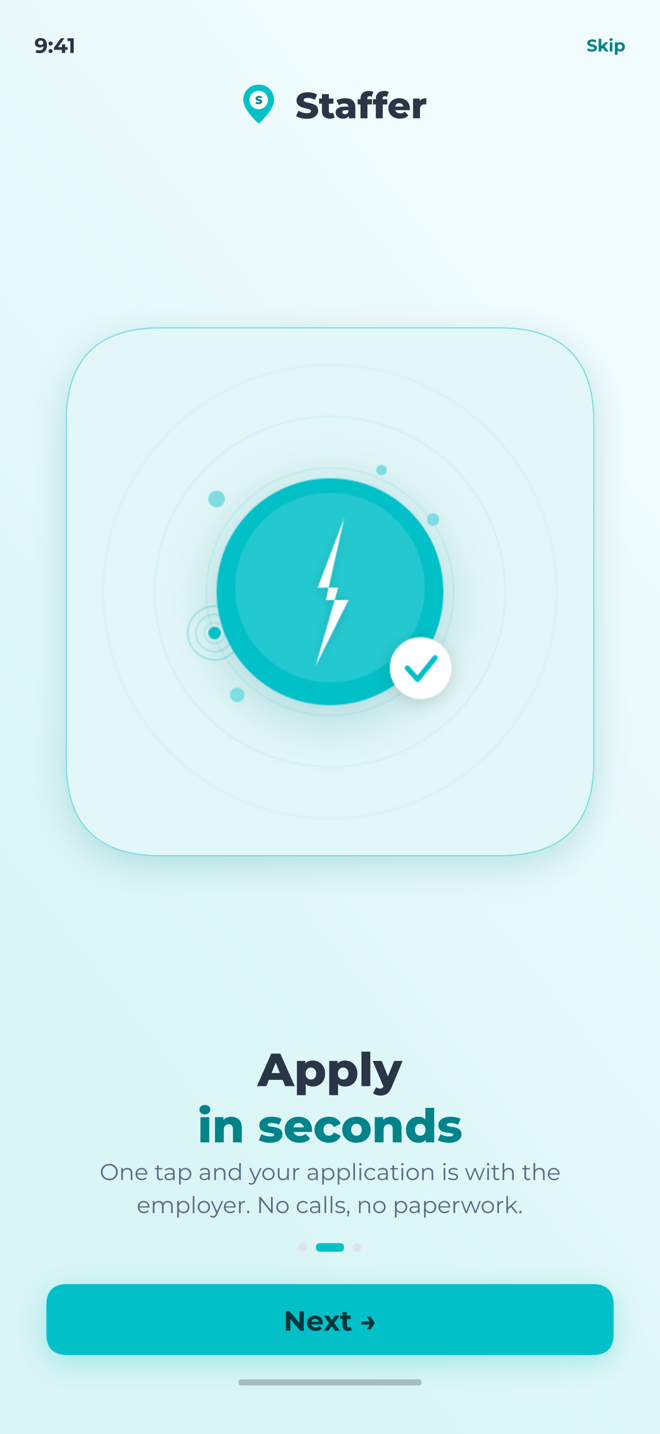
Apply in seconds
One tap sends your application to the employer — no calls, no paperwork.
Chat and notifications
Follow your applications and talk to the team inside the app.
For clients
Staff your shifts
The client cabinet gives businesses one place to request and manage flexible staff.
Who will be our client
Businesses that need flexible staff:
Requests are reviewed by the Staffer team before an account is created.
Shift requests
Publish job postings and shifts and follow them from one place.
Workers and workplaces
Keep track of the workers you use and the locations they work at.
Wallet and contracts
See payments, requests and contracts together.
For suppliers
Provide workers to clients
Supplier organizations connect to the platform and provide workers to client businesses.
Who can become a supplier
Organizations that provide staff to businesses:
Requests are reviewed by the Staffer team before an account is activated.
Connection request
Submit your organization details and documents for review.
Reviewed before activation
The platform team approves every supplier organization before its account is activated.
Your team
Invite your employees to the platform once your organization is approved.
How we build trust
Checks, not promises
Reviewed organizations
Clients and suppliers are reviewed by the platform team before they get access.
Identity and business checks
The platform is built around business and identity verification; the exact steps depend on the country.
One record
Shifts, contracts and payments stay in one place instead of scattered messages.
Where we are
Built step by step, without dates
We do not publish launch dates. A step appears in the first two columns only when it is real.
In the test environment
- Client cabinet: job postings, shifts, workers, workplaces and wallet
- Access requests for clients and suppliers with manual approval
- Back-office for the Staffer team
- Chat and notifications
In progress
- Worker mobile app in internal testing
- Identity verification inside the app
Next
- Public launch
- Store releases of the mobile app
- More markets and languages
FAQ
Common questions
Is Staffer available now?
Not publicly. Staffer is in development. Clients and suppliers can send an access request, and the team reviews each one manually.
Which countries does it support?
The current registration flows support organizations from the United Arab Emirates and Russia. More markets will follow.
How will workers get the app?
The mobile app will be available in the App Store and Google Play. We will announce it here once it is ready.
How is my data handled?
The Privacy Policy explains what we collect, why we collect it and how you can control it. Privacy Policy
How do I delete my account?
Send a deletion request from the email address linked to your account. The Account deletion page explains the steps. Account deletion